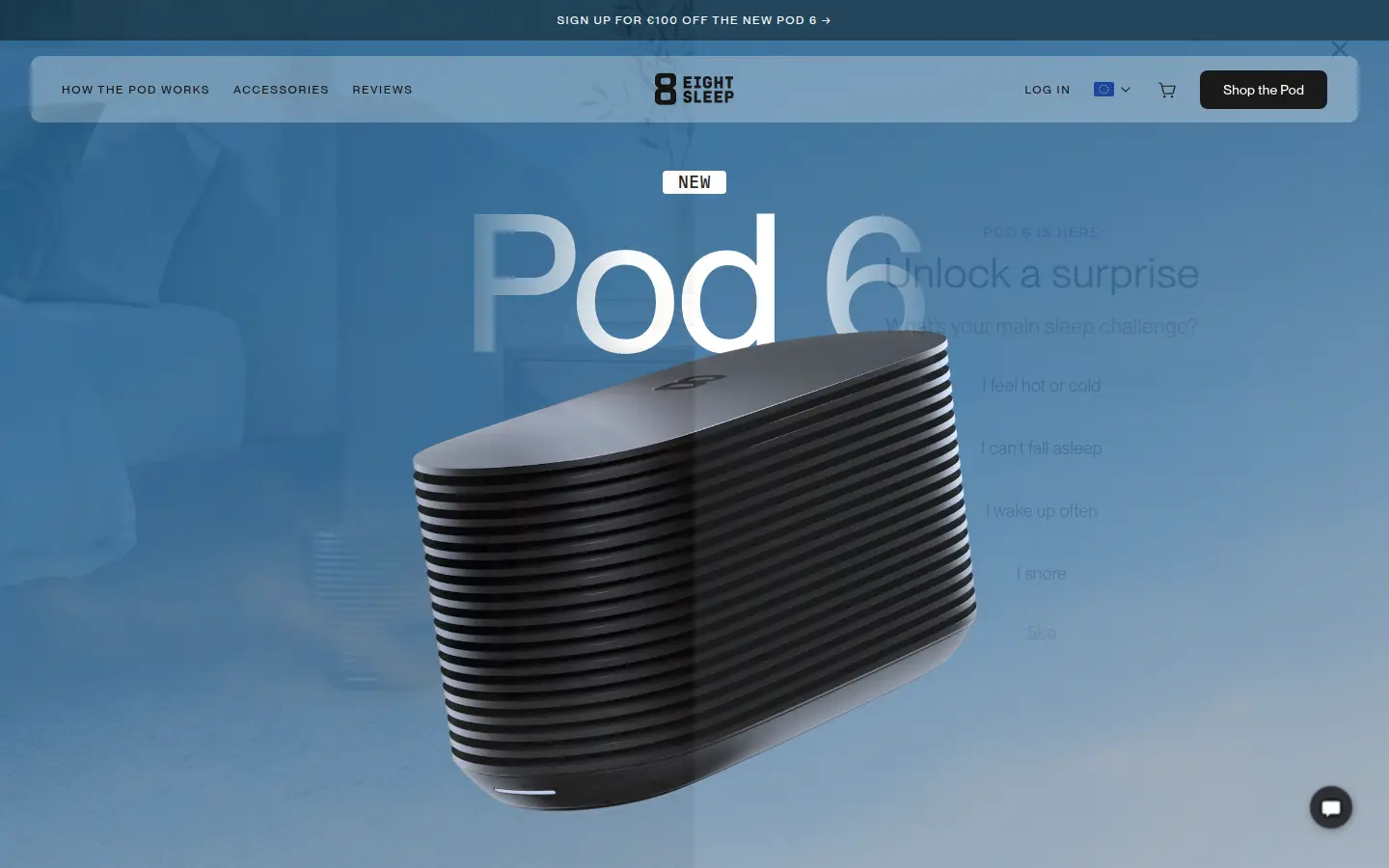
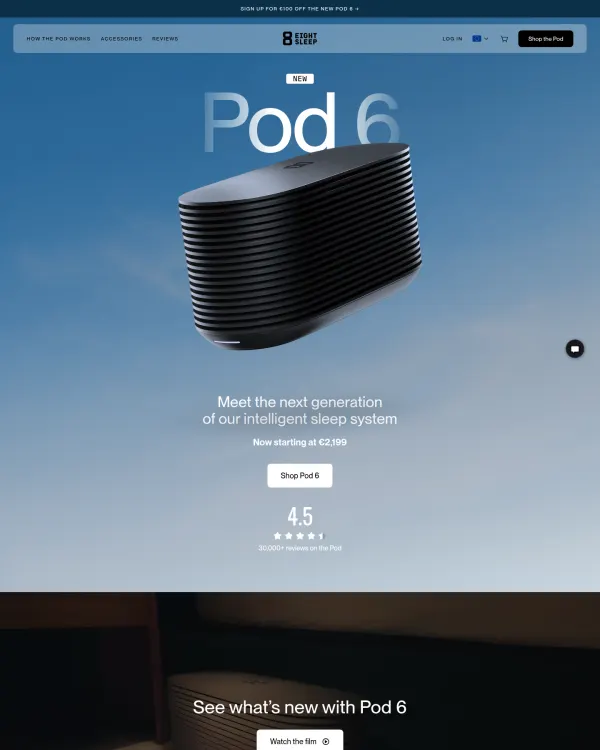
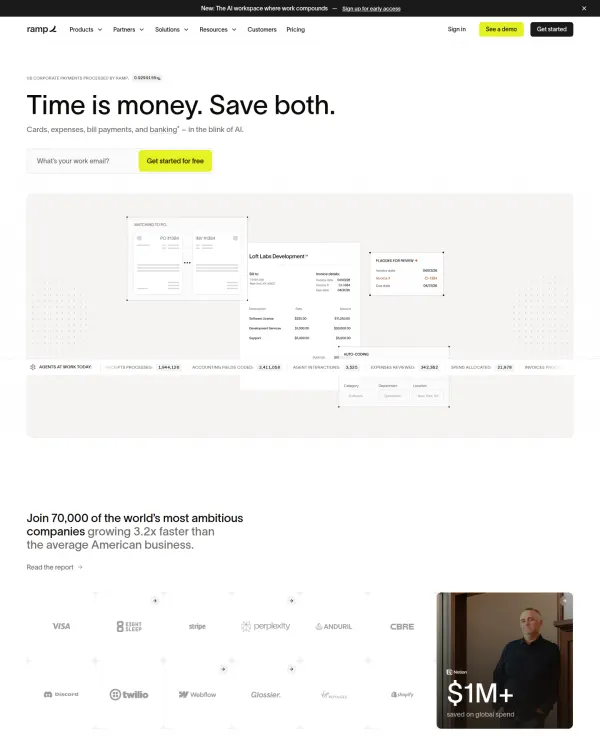
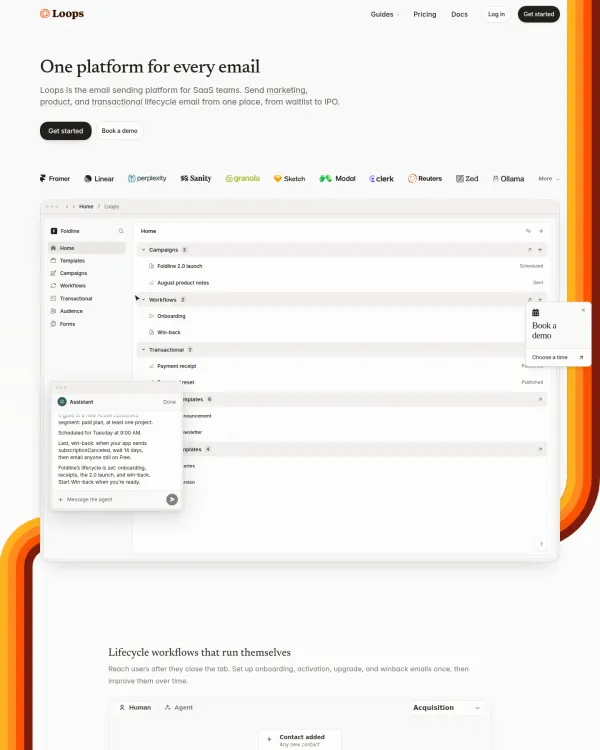
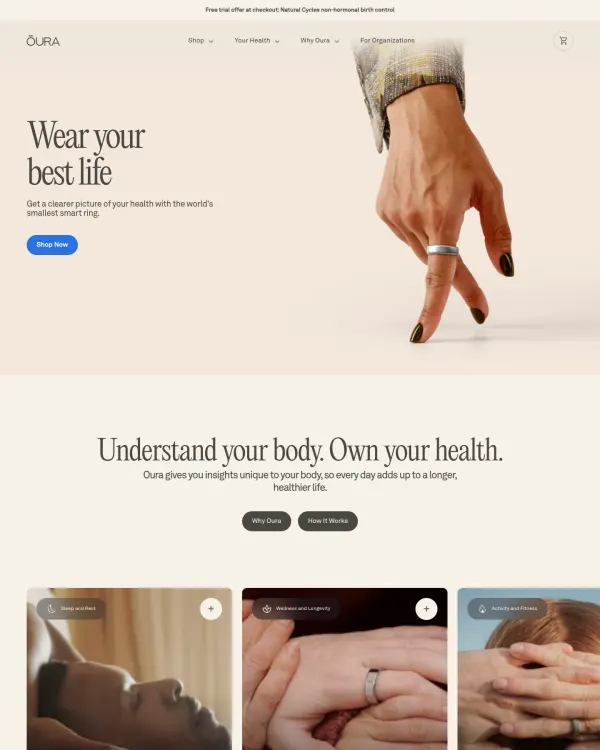
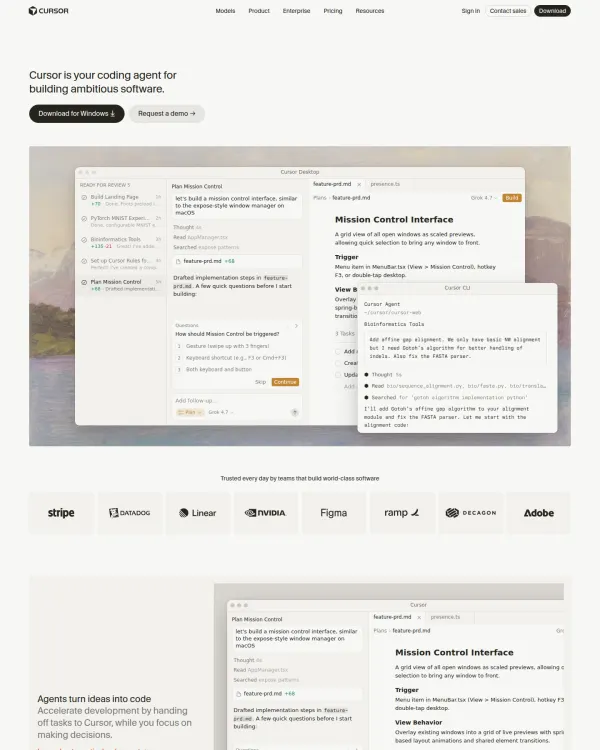
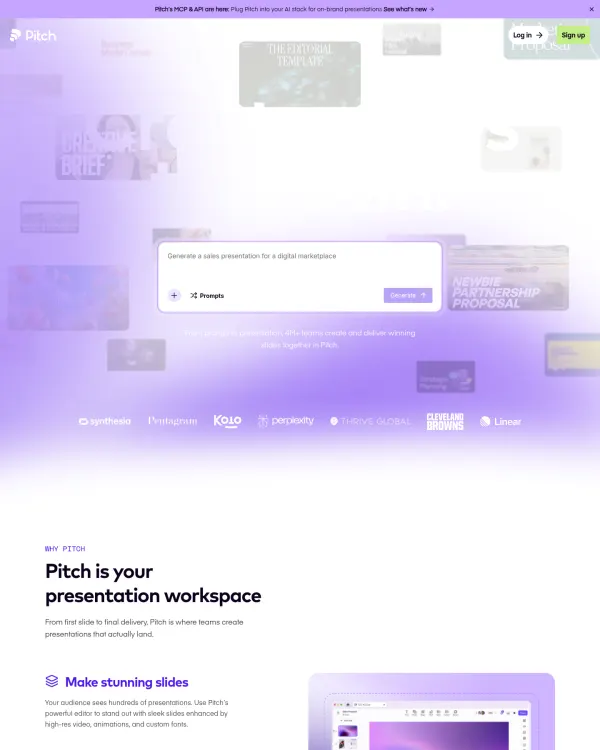
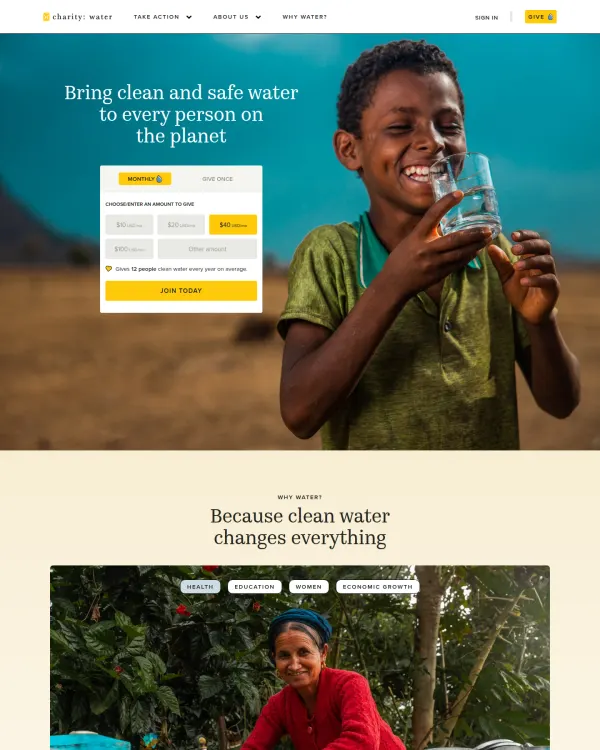
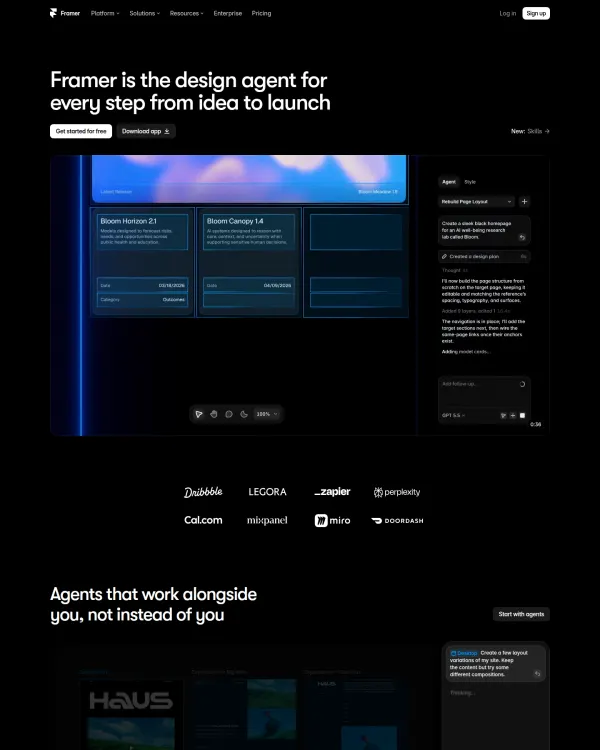
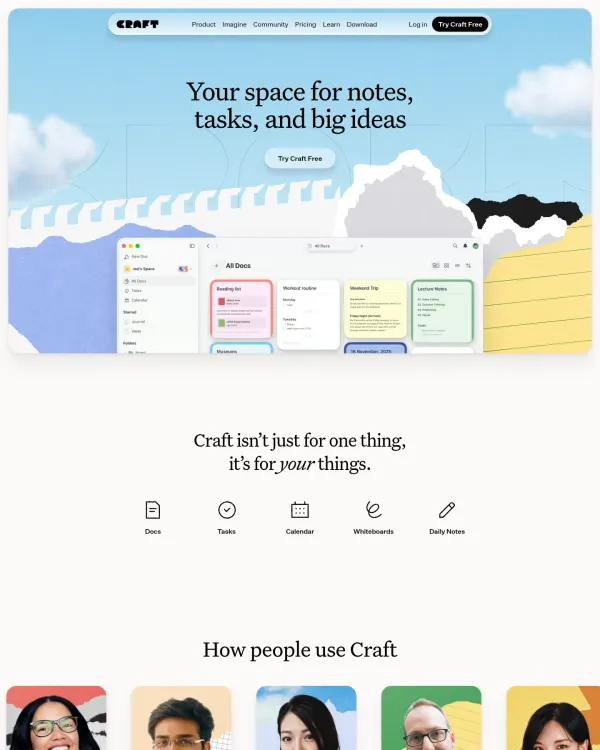
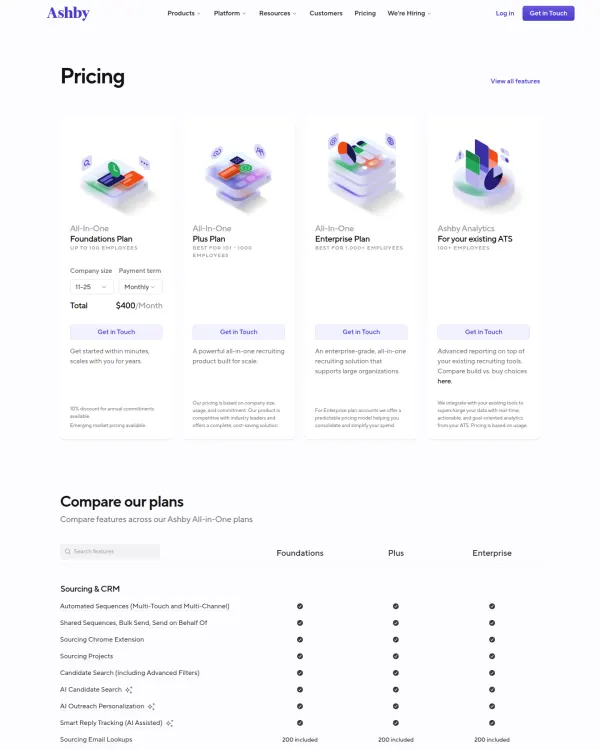
Browse live pages in our landing page examples gallery, or see the editor's picks in best landing pages.
What a landing page is for
A landing page has one goal. It could be a signup, a purchase or a demo request. Everything on the page either helps that goal or gets in its way.
A homepage serves many visitors with many aims. A landing page serves one visitor with one aim. That is why it can be shorter, sharper and more direct.
The anatomy of a strong page
Most strong landing pages follow the same order.
- A hero with the promise and one action.
- A short explanation of how it works.
- Proof that the promise is real.
- The details of the offer.
- Answers to doubts.
- A final call to action.
The order follows the questions a visitor asks. What is this? Is it for me? Does it work? What does it cost? What if I am wrong?
The hero
The hero is what a visitor sees before scrolling. This is "above the fold." It needs three things.
- A headline that states the outcome. "Find 200 references in a minute" beats "A better way to search."
- One line of support. What it is and who it is for.
- One main action. A single button with a short label, such as "Get started."
Add a picture of the real product when you can. Showing the product is stronger than describing it.
Headline patterns that work
- The outcome. "Ship a site in a day."
- The audience and outcome. "Invoices for freelancers that pay faster."
- The before and after. "From pile of bookmarks to one clear board."
Plain words win. Aim for a reading level a 12 year old can follow.
Visual hierarchy
Visual hierarchy is the order in which the eye reads. On landing pages it decides if the visitor sees the headline, then the support line, then the button.
You set it with size, weight, color and space.
- Make the headline the largest text on the page.
- Give the button the strongest color.
- Leave open space around the main action.
- Keep supporting text smaller and lighter.
Squint at the page. The shapes that remain should be the headline, the picture and the button.
Proof without noise
Proof tells the visitor that the promise holds. Strong examples use proof that can be checked.
- A real screenshot or short demo of the product.
- Specifics, such as how a feature works, shown plainly.
- Clear policies, such as how cancelling works.
- Credits and sources for any claim.
Avoid vague praise and unclear numbers. If a claim cannot be checked, leave it out.
One main call to action
Pick one action and repeat it. The hero, the middle and the end of the page can all carry the same button. Do not offer three different paths.
- Use a label of one to three words.
- Say what happens next near the button.
- Keep the same color for the button across the page.
If you also need a quiet second action, such as "See pricing," style it as a text link.
Layout and spacing
Landing pages feel calm when spacing is steady. Choose a base unit, often 8 pixels, and build every gap from it.
- Use larger gaps between sections than within them.
- Keep text lines to about 60 to 75 characters.
- Use a grid. Align left edges.
- Give images and text the same margin rhythm.
On DesignPorn each design lists its spacing base unit, so you can see the rule behind a layout you like.
Color and type
Most strong pages use a small set of colors. A neutral background, dark text, and one accent for actions. The accent is rare, which is why it works.
For type, two families is plenty. One for headings, one for body, or a single family used in two weights. Read about type in typography inspiration and color in color palette inspiration.
Copy that reads easily
Short lines win. Aim for sentences of ten to fifteen words and paragraphs of one to three lines.
- Lead with the benefit, then name the feature.
- Use "you" and the present tense.
- Swap jargon for the word a customer would use.
- Put the strongest point first in every list.
Read each section aloud. If you stumble, the visitor will too.
If the page asks for details, ask for as few as you can. An email address is often enough. Say what happens after the click, and when. Place a short reassurance line under the button, such as how cancelling works. Make errors clear and keep what the user typed.
Mobile first
A large share of web visits come from phones. Design the narrow screen first.
- The hero must show the headline and button without scrolling at 390 pixels wide.
- Buttons are at least 44 pixels tall.
- Tables turn into stacked rows.
- No important content is hidden on hover.
Test and improve
A landing page is never done. Change one thing at a time, such as the headline or the button label, and watch what happens. Keep notes on what you changed and why. Over a few rounds, small fixes add up.
Speed and focus
Large images and heavy scripts slow a page. Slow pages lose visitors before they read a word. Compress images, size them to fit, and load the ones below the fold later.
Remove top navigation links that lead away from the goal. Keep a logo and one action.
How to build a landing page, step by step
- Write the goal as one sentence.
- Name the visitor and the main doubt they have.
- Write a headline that states the outcome.
- Write one supporting line.
- Choose the single main action and its label.
- Pick a real product picture for the hero.
- List three to five proof points that can be checked.
- Draft the offer details and the price if relevant.
- Write answers to the five top doubts.
- Set a base spacing unit and a two-family type scale.
- Check the hero at 390 pixels wide.
- Compare your page to three strong examples and note the differences.
Study before you design
Search "dark developer tool landing page with product screenshot" or upload a page you like. Read the palette, fonts and spacing for each result. Save the best ten to a board and share it with your team. For SaaS, see SaaS landing page examples. Try the demo, then see the design inspiration app plans.